
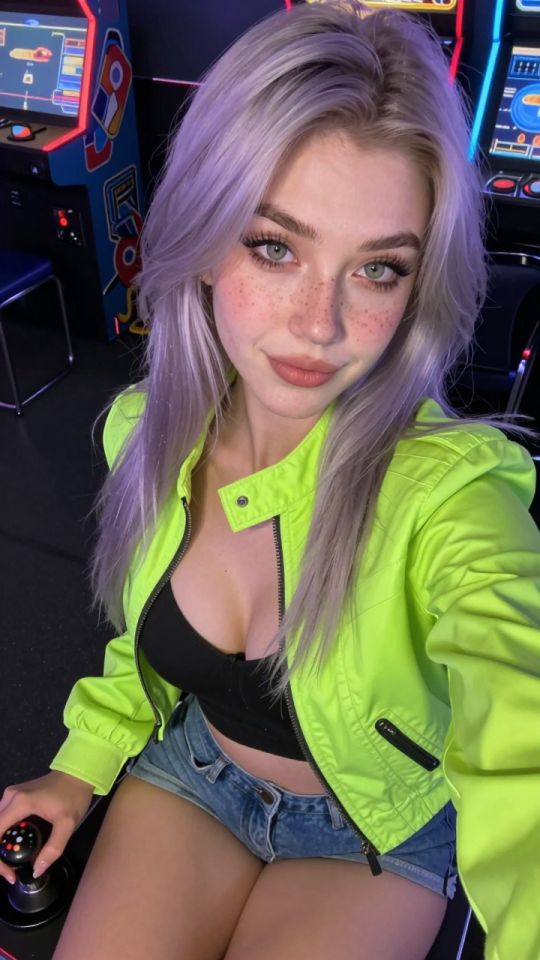
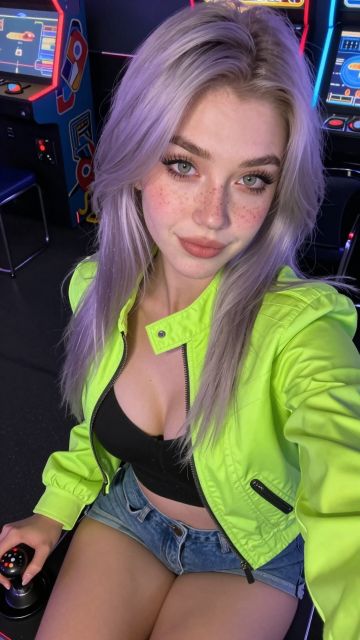
 5s
⚡ Generate
The magnifier for finals: keeper frames at cover and print size for 61 credits, read closely at 100%.
Per-job credit pricing is shown before you confirm. The original is always kept.
Pick an effect, upload your photo, and the built-in recipe does the rest. Same photo, far more reliable results.
You have been writing prompts by hand. Templates skip all of that — pick a card below, upload your photo, and get the same scene in one click.
5s
⚡ Generate
 NEW IMAGE
⚡ Generate
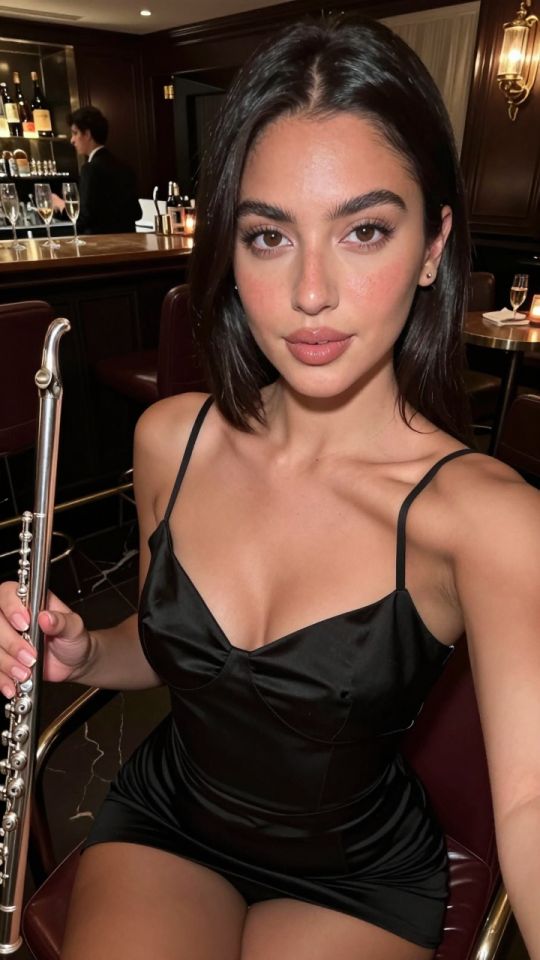
 5s
⚡ Generate

 IMAGE
⚡ Generate
 NEW IMAGE
⚡ Generate
 5s
⚡ Generate
 NEW IMAGE
⚡ Generate
 IMAGE
⚡ Generate
 NEW IMAGE
⚡ Generate
 NEW 5s
⚡ Generate
 5s
⚡ Generate
 NEW IMAGE
⚡ Generate
The magnifier is the last instrument a frame meets, and it rewards only what the spyglass already approved. Upscale a judged, repaired, final frame and the press returns it at cover size with its detail rebuilt.
Read the result at 100% before it ships. An upscaler invents plausible texture, and close reading is how inventions get caught — this desk’s native skill, finally with a tool shaped like it.
Upscaling is the last step of a frame’s life, after judging, editing and cropping. It rebuilds detail — it does not repair judgement.
A cover or a print wants everything the upscaler has; a feed post rarely needs more than a step up. Pay for the size you will actually ship.
Upscalers invent plausible texture. Skin, lace and jewellery are where inventions show — zoom in before the frame goes anywhere.
The window portrait at full size, read at 100% like a contract.
Paper forgives nothing; finals bound for it pass under the magnifier first.
When a listed size exceeds the found frame, the press closes the distance.
Final frame: Iris, 28, a quiet study window in violet dusk light. Destination: cover art, full size, detail inspected at 100%.
Upscaled last, after judging and editing. Rebuilt texture checked where inventions show first: skin, lace, jewellery.
Final frame: Noor, 27, the study desk under a green-shaded lamp. Destination: cover art, full size, detail inspected at 100%.
Upscaled last, after judging and editing. Rebuilt texture checked where inventions show first: skin, lace, jewellery.
| Destination | Verdict | Note |
|---|---|---|
| Covers & storefront art | Yes — full size | It will be seen large and judged closely |
| Print & posters | Yes — full size | Print forgives nothing |
| Feed posts | One step | Platforms compress anyway |
| Drafts & tests | No | Judge small, spend on the keeper |
A soft frame upscales into a large soft frame with confident edges. Re-generate sharp instead.
Edit first, upscale last — an edit after upscaling wastes the expensive pass.
The preview is downscaled by your browser. Download and view at 100% before deciding.
Only the faces of the series — the cover, the opener, the closer — need full size.
Image upscaling runs at 61 credits per job, shown before you confirm.
Always. The upscale is a new piece; the original stays in your library untouched.
The upscaler rebuilds the frame at a substantially larger size with reconstructed detail — enough for covers and print at typical viewing distances.
No. It sharpens and enlarges what exists. Composition, likeness and light are settled before this tool, not by it.
Keepers headed somewhere large: covers, storefronts, print. Drafts and feed posts rarely earn it.
Drafts, edits, animation and finishing share one credit balance and one private library. Start with the piece you need today.
Open the generatorYour image is deleted after generation.
Browse filesFailed jobs are refunded automatically. Results land in My Collection.
Sign in with Google to start generating
Opening secure Google sign-in…